> ## Documentation Index
> Fetch the complete documentation index at: https://liv-creators.mintlify.site/llms.txt
> Use this file to discover all available pages before exploring further.
# 2. Create Mixed Reality Camera Profile
You've taken your first step into a larger world.
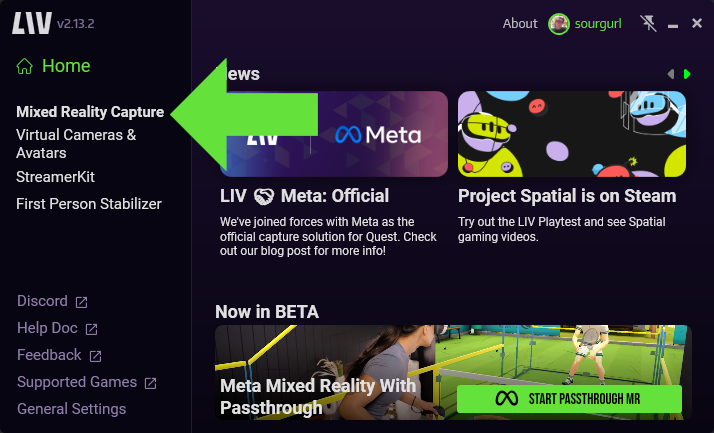
1. Select Mixed Reality Capture
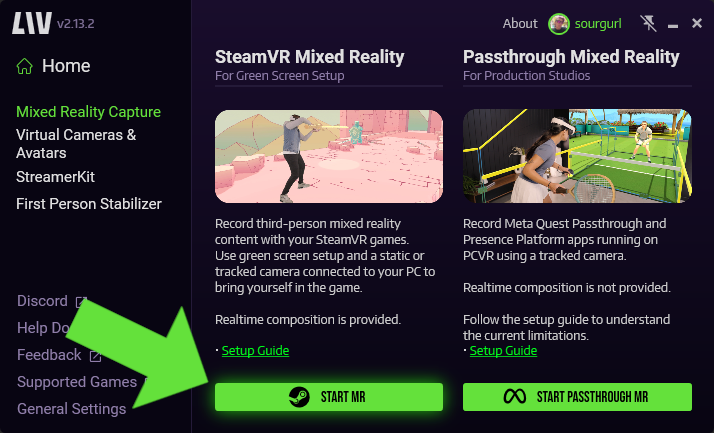
 2. Select Start MR
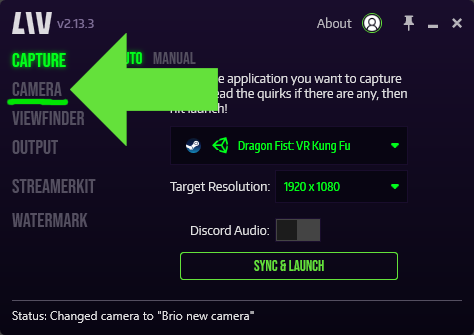
 3. Click on **Camera** in the left tab to open up the edit camera page.
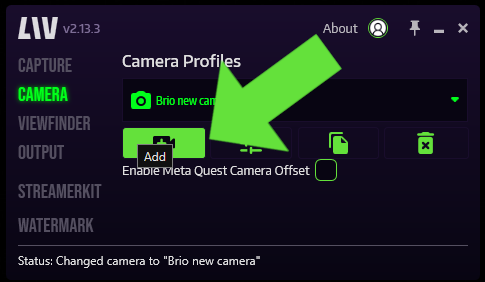
 4. Click on the **Add Camera** icon to create a new camera profile.
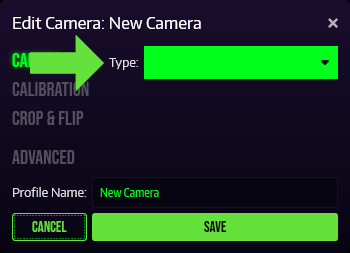
 5. In the \*\*Type \*\*drop down, select Video Camera, Kinect or iOS (NDI).
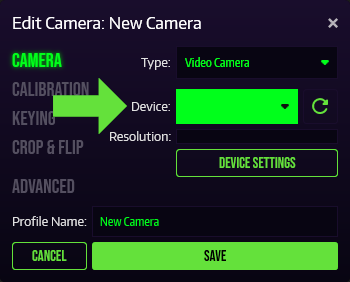
 6. In **Device**, select your Camera Device or Capture Card.
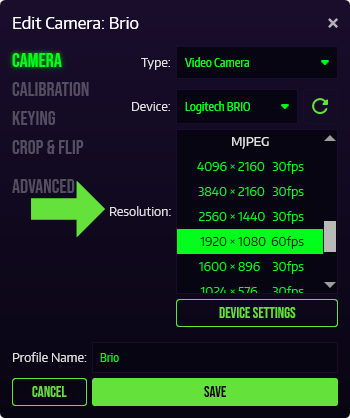
 7. In **Resolution**, select your desired resolution and frame rate.
 8. Name your profile and **Save** it.
Do not Enable Meta Quest Camera offset as this will break calibration and not function properly
If possible, select the YUY2 image format. It performs better!
VIVE + Kinect V2 + Lighthouse V1 will not work! You need to use Lighthouse V2 for it to not interfere with your Kinect.
8. Name your profile and **Save** it.
Do not Enable Meta Quest Camera offset as this will break calibration and not function properly
If possible, select the YUY2 image format. It performs better!
VIVE + Kinect V2 + Lighthouse V1 will not work! You need to use Lighthouse V2 for it to not interfere with your Kinect.