Documentation Index
Fetch the complete documentation index at: https://liv-creators.mintlify.app/llms.txt
Use this file to discover all available pages before exploring further.
Open the LIV UI
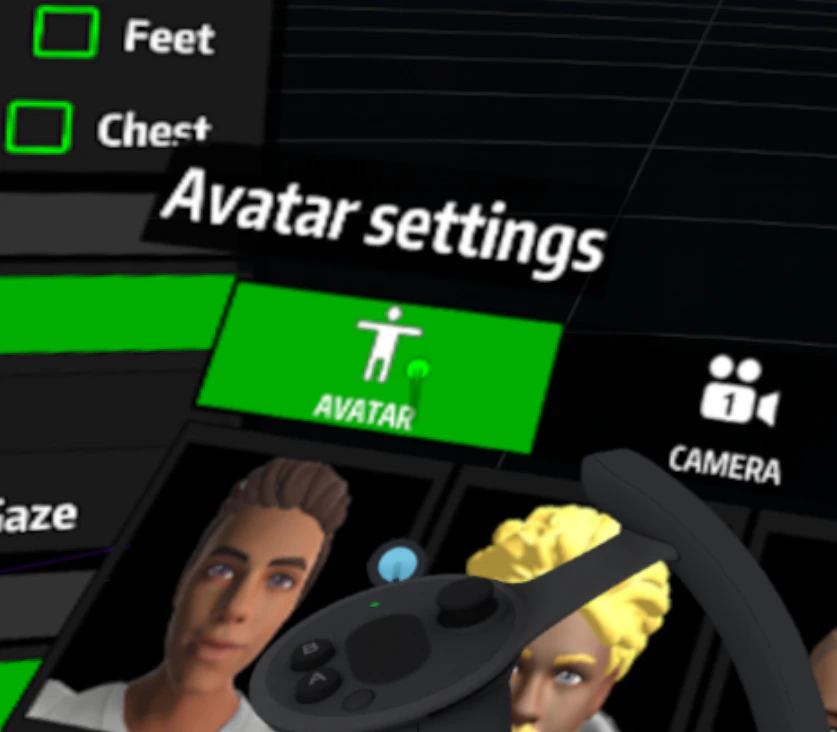
- Select Avatar
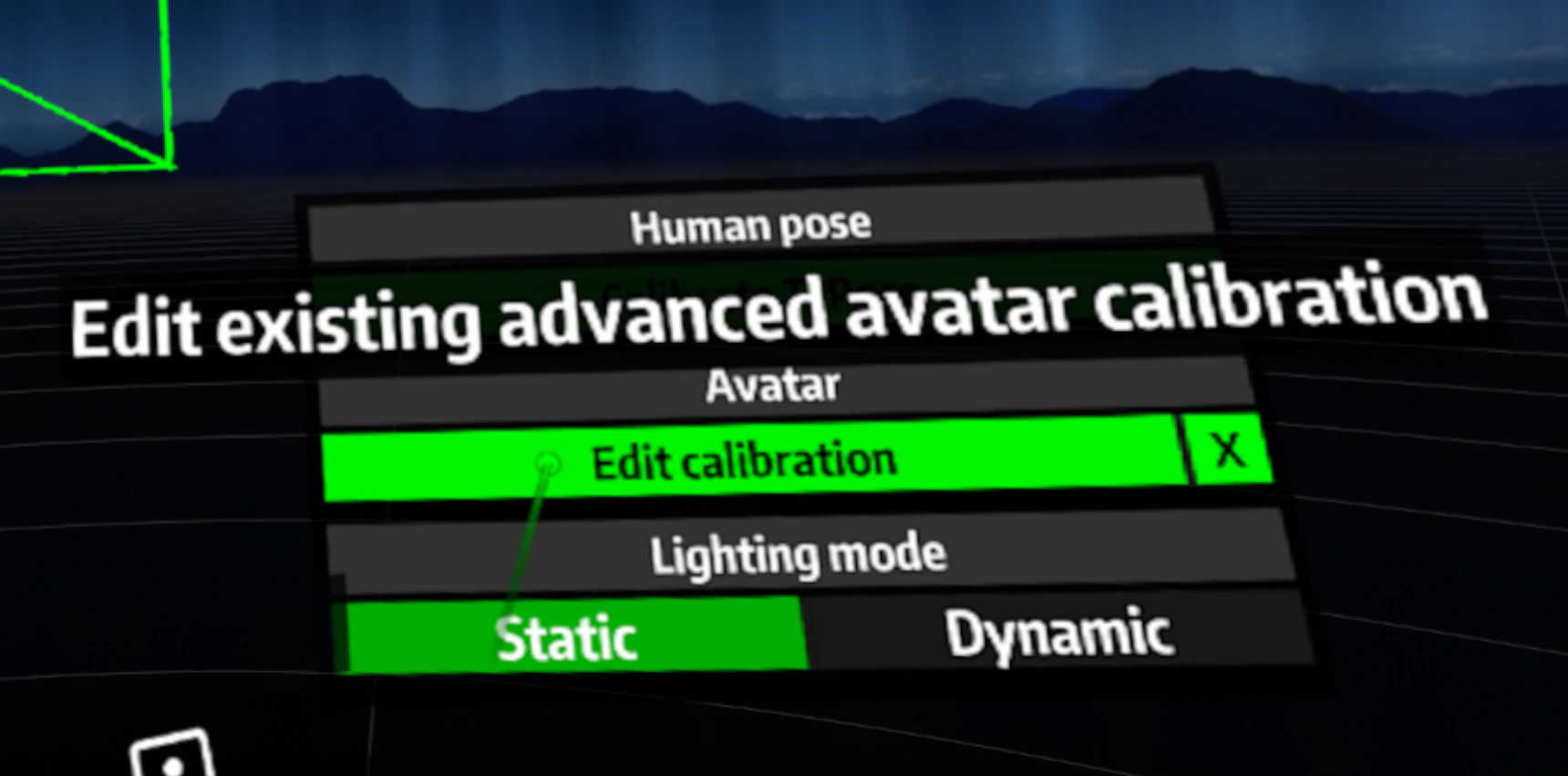
- Over to the right select Edit Calibration
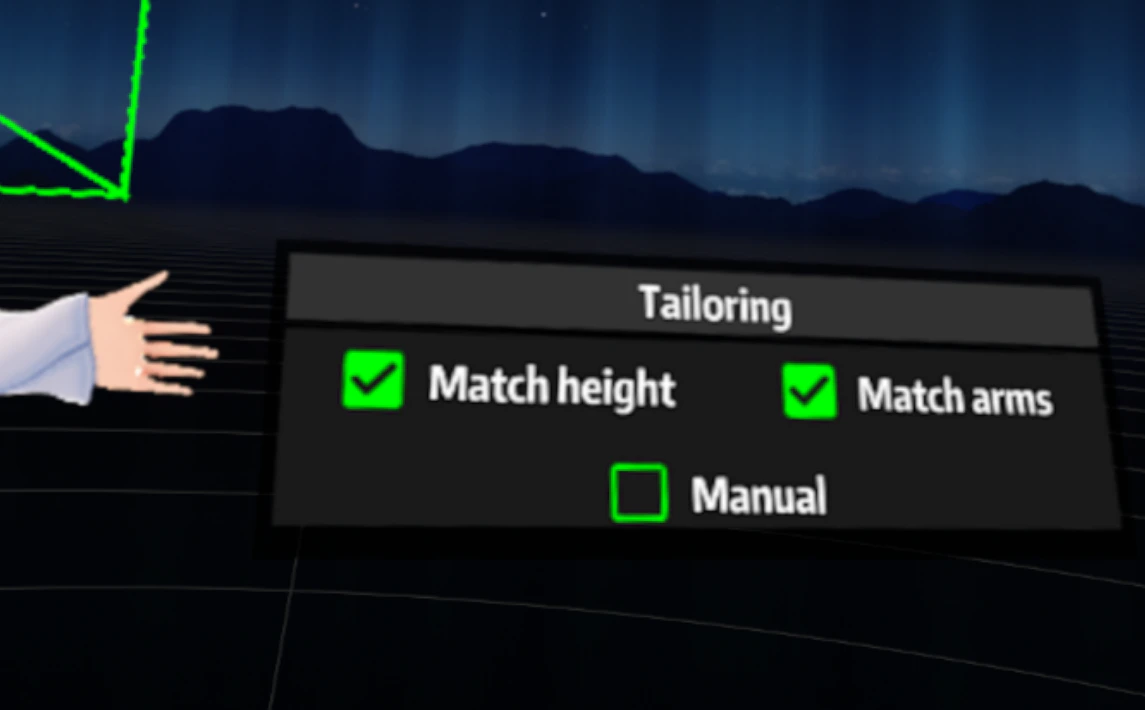
- Try unchecking the match height and match arms box
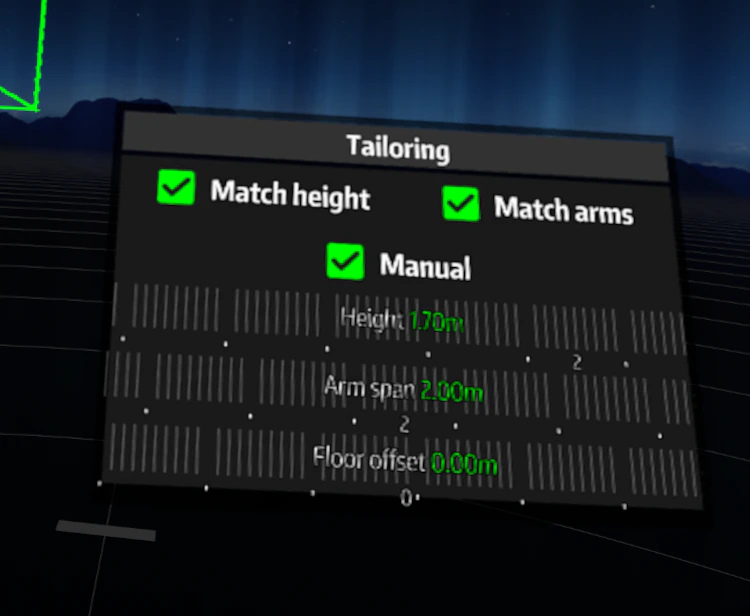
- You can use the manual option under that to adjust them manually