

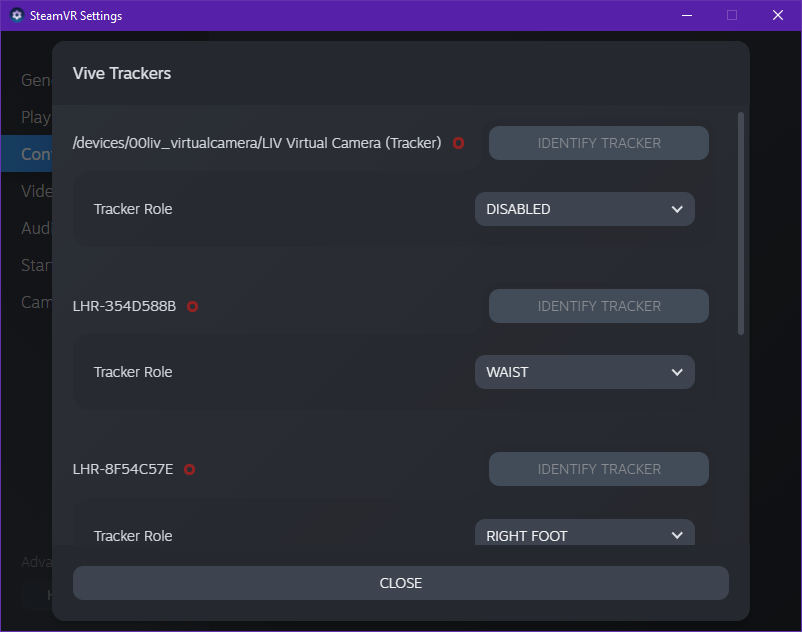
- LIV’s Virtual Camera is attached to your controller;
- Your controller is stuck on the floor;
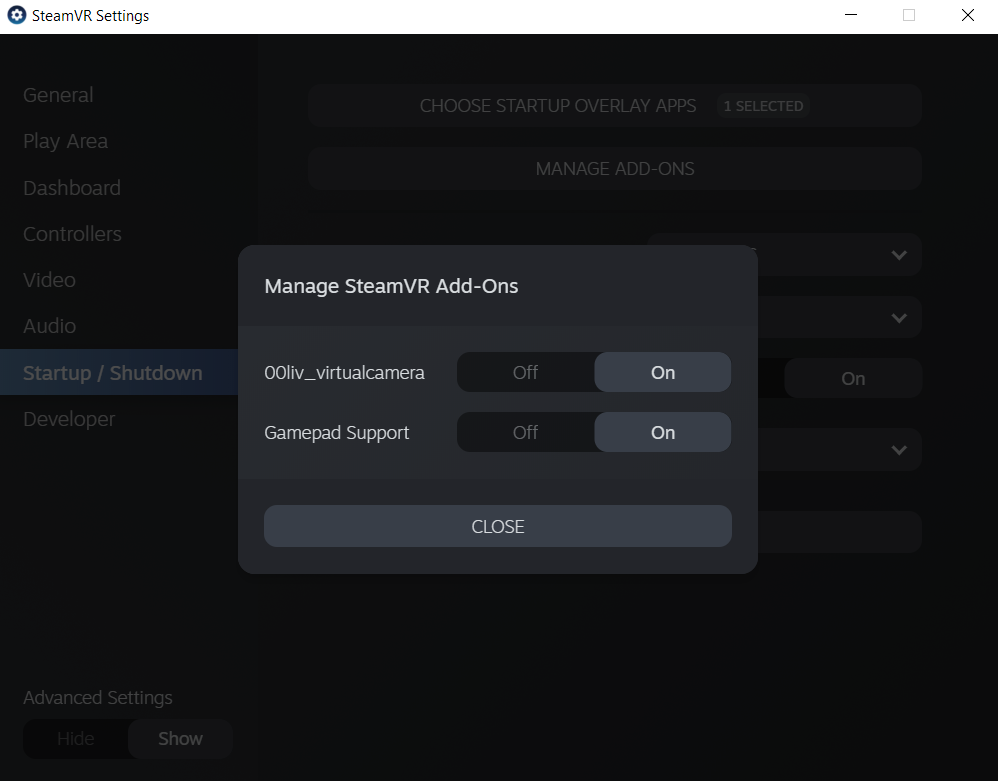
- You cannot calibrate due to our SteamVR driver not starting
- Close LIV and SteamVR
- Press Win+R, then paste %localappdata%\openvr
- Open the openvrpaths.vrpath file with Notepad
- Remove the entire line referencing the Natural Locomotion driver:
- Save the file (make sure you get the comma at the end of the previous line, if there is one)
- Reboot SteamVR and LIV and test it out!