

- Open the Nvidia Control Panel
- Manage 3D Settings
- Click Program Settings
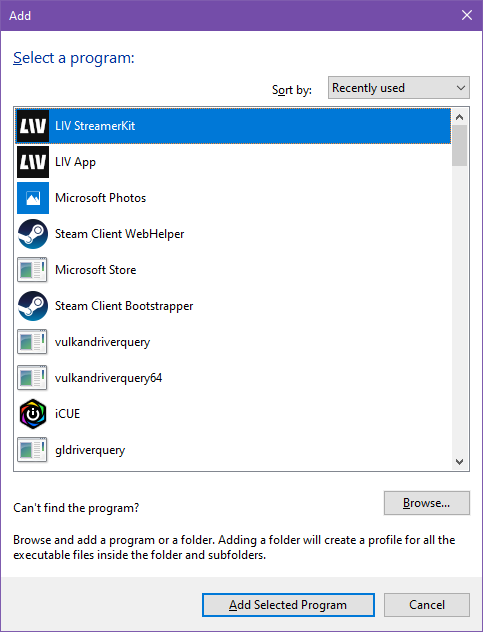
- Click Add
- Select liv.streamerkit.exe (can be found in C:\Program Files (x86)\Steam\steamapps\common\LIV\Resources\StreamerKit)
- Click Add Selected Program
- Set it to run on High-performance NVIDIA processor
- Click Apply in the bottom right corner.