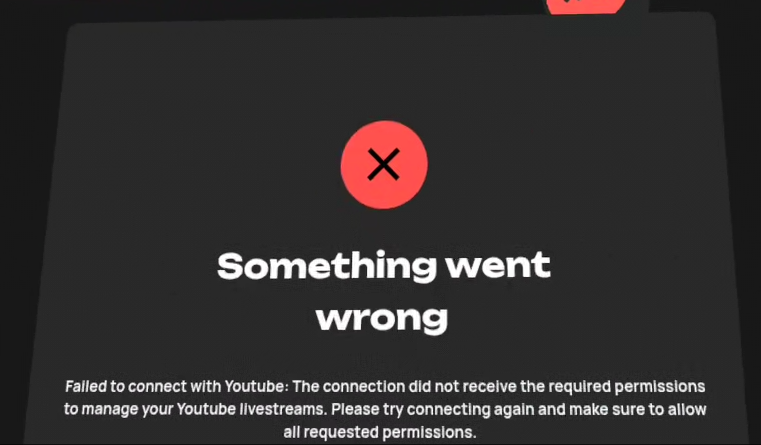
Problem: You get an error page when you connect your YouTube. “Failed to connect with YouTube: The connection did not receive the required permissions to manage your YouTube livestreams. Please try connecting again and make sure to allow all requested permissions.” Youtube Scope Error Cause: You didn’t give LIV Hub permission, you skipped the checkbox Solution:
  1. Connect again
  2. Ensure you’ve granted permission for LIV Hub to have access to your YouTube account when you connected. If you didn’t, you may have to disconnect and start again.  If needed, you can reset your LIV Hub and YouTube account link at https://myaccount.google.com/connections
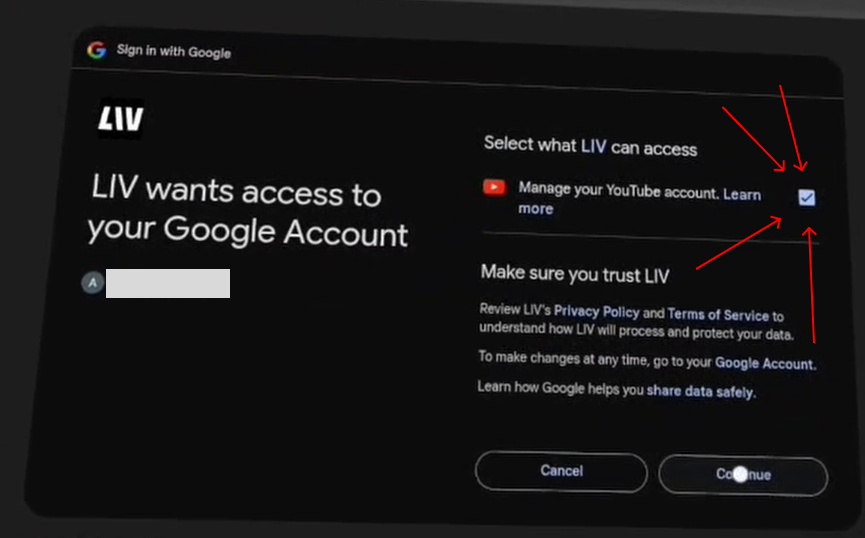
Youtube Scope Warning