

You can go live directly from your Meta Quest headset to YouTube, Twitch, or another platform of your choice using an RTMP URL — no PC or casting required.
1
Open LIV Hub
Open the LIV Hub app in headset.
- LIV Hub will log in using your Meta Quest account.
- If it’s your first time using LIV Hub, confirm your age. Users 13+ (varies by region) can proceed.
2
Link Your Streaming Account
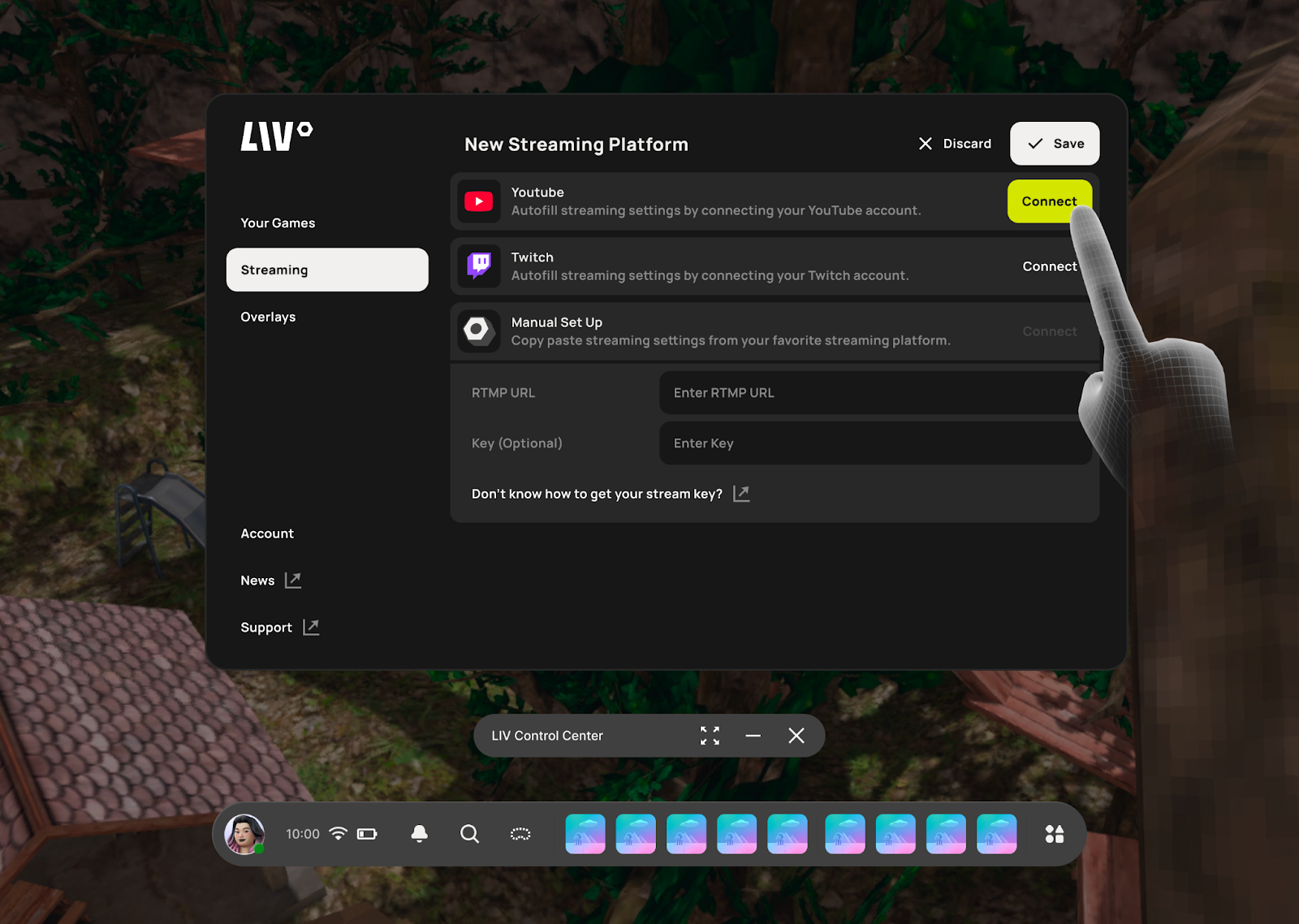
- Navigate to Connect Socials in the left menu
- Link your YouTube or Twitch account. If presented, ensure you grant YouTube access to manage your account.
-
TikTok is supported using manual RTMP entry.
3
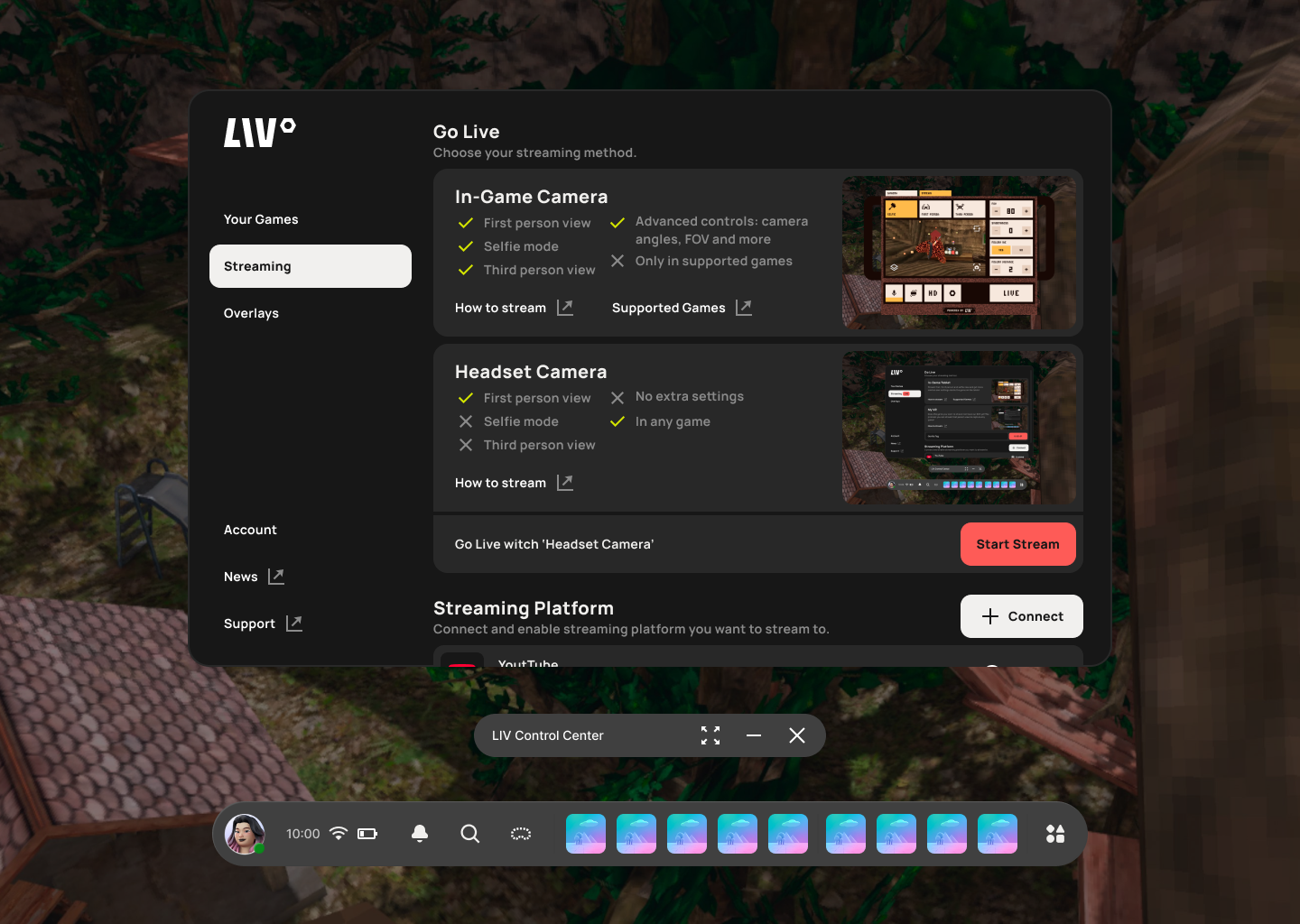
Start Streaming
-
On the stream settings page, press Start Streaming.
4
New Step
-
Select which view to share.
Note: Meta Quest only allows you to select the entire headset view or a 2D app.
