

Documentation Index
Fetch the complete documentation index at: https://liv-creators.mintlify.app/llms.txt
Use this file to discover all available pages before exploring further.
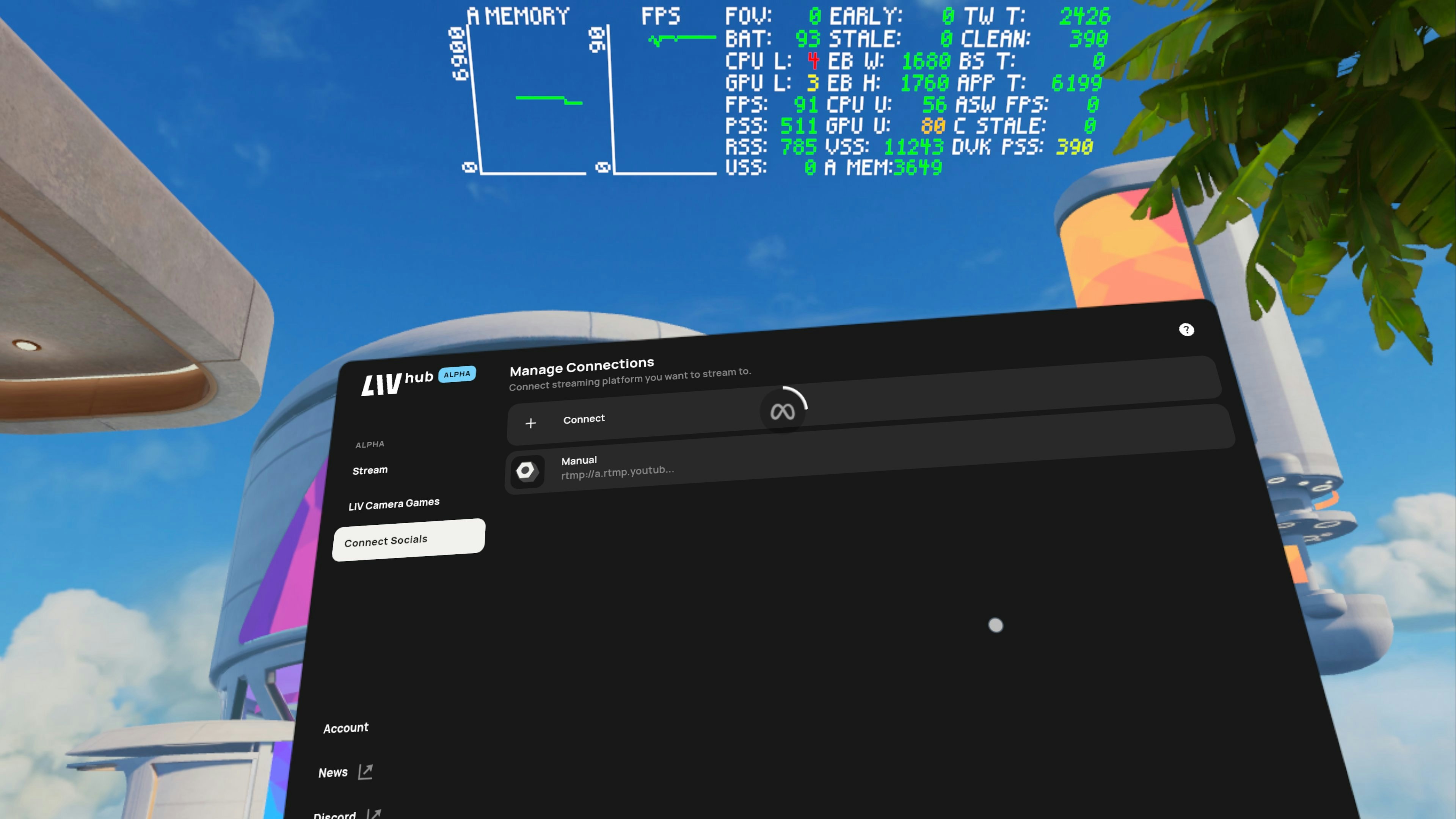
Enter RTMP Url
Under Manual, enter the RTMP URL / Stream Key info.
For example, for YouTube the URL would look something like rtmp://a.rtmp.youtube.com/live2/your_private_streamkey
Example: rtmp://a.rtmp.youtube.com/live2/12345abcdeHow to find your platform’s stream key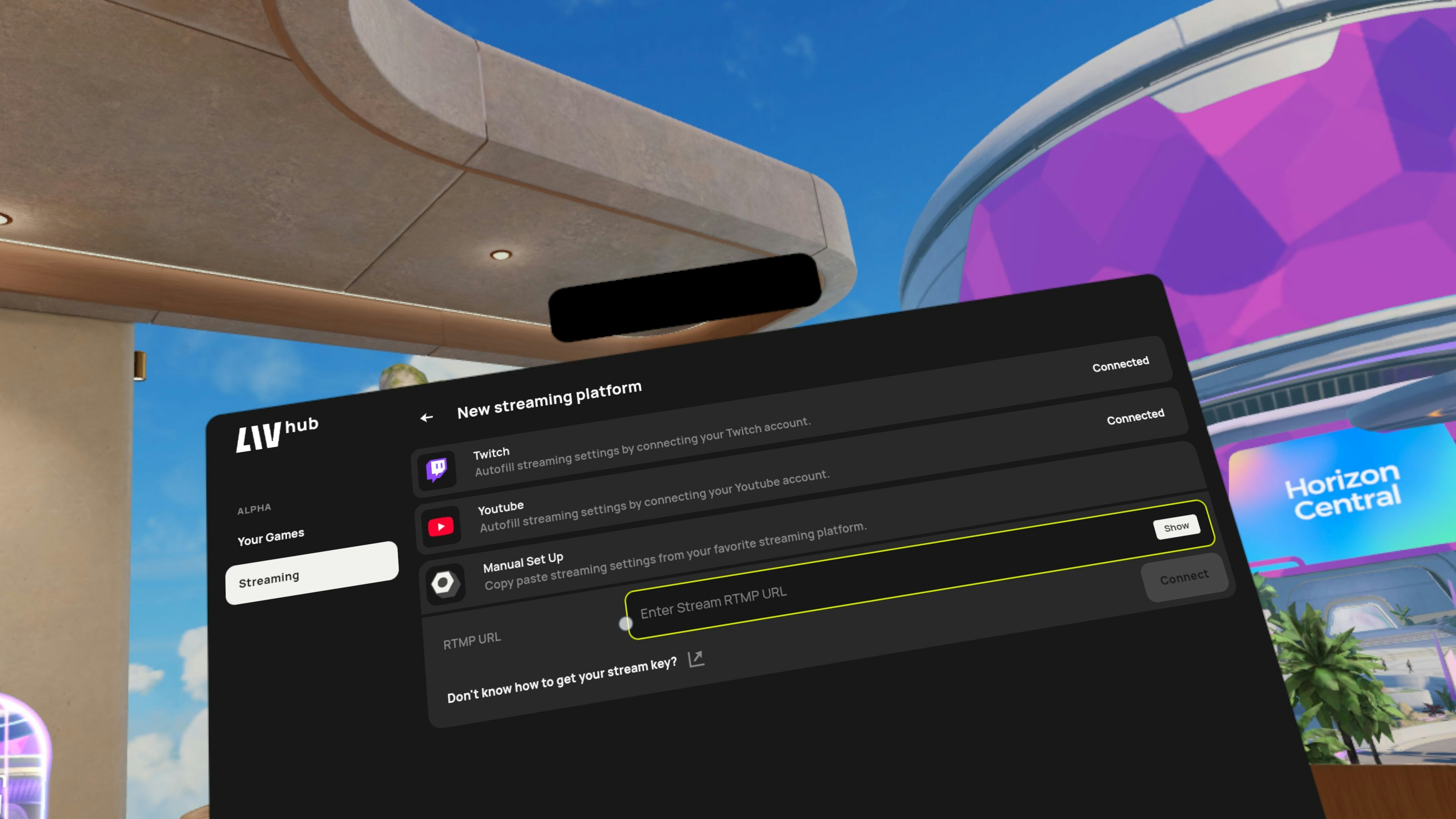
For example, for YouTube the URL would look something like rtmp://a.rtmp.youtube.com/live2/your_private_streamkey
Example: rtmp://a.rtmp.youtube.com/live2/12345abcdeHow to find your platform’s stream key