Documentation Index
Fetch the complete documentation index at: https://liv-creators.mintlify.app/llms.txt
Use this file to discover all available pages before exploring further.
Go live directly from the Quest headset to a player’s YouTube, Twitch, or platform of choice using an RTMP URL. No need for a PC or casting to another device.
In-game camera streaming uses the view from the LIV camera inside the game.
We’ll use Gorilla Tag as an example. Each game may have a slightly different experience depending on how the developer implemented the camera system. Read below or watch the tutorial video.
Gorilla Tag, for example
Access LIV Streaming Panel
The tablet will have a new toggle (at the top left in this case) to switch between Camera Mode and Live Streaming Mode. The Settings button at the bottom opens the LIV Hub 2D app.
Get your pair code
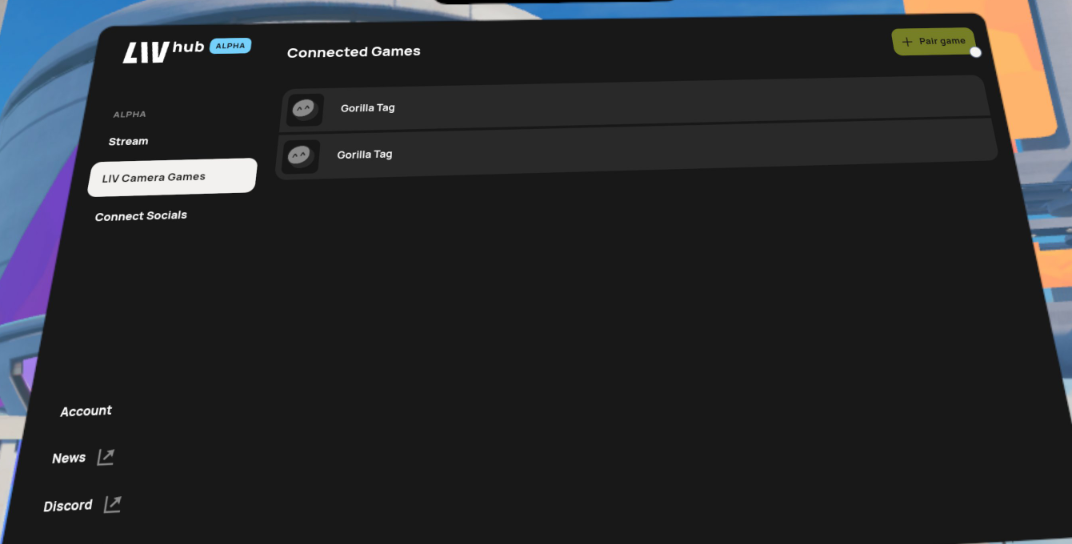
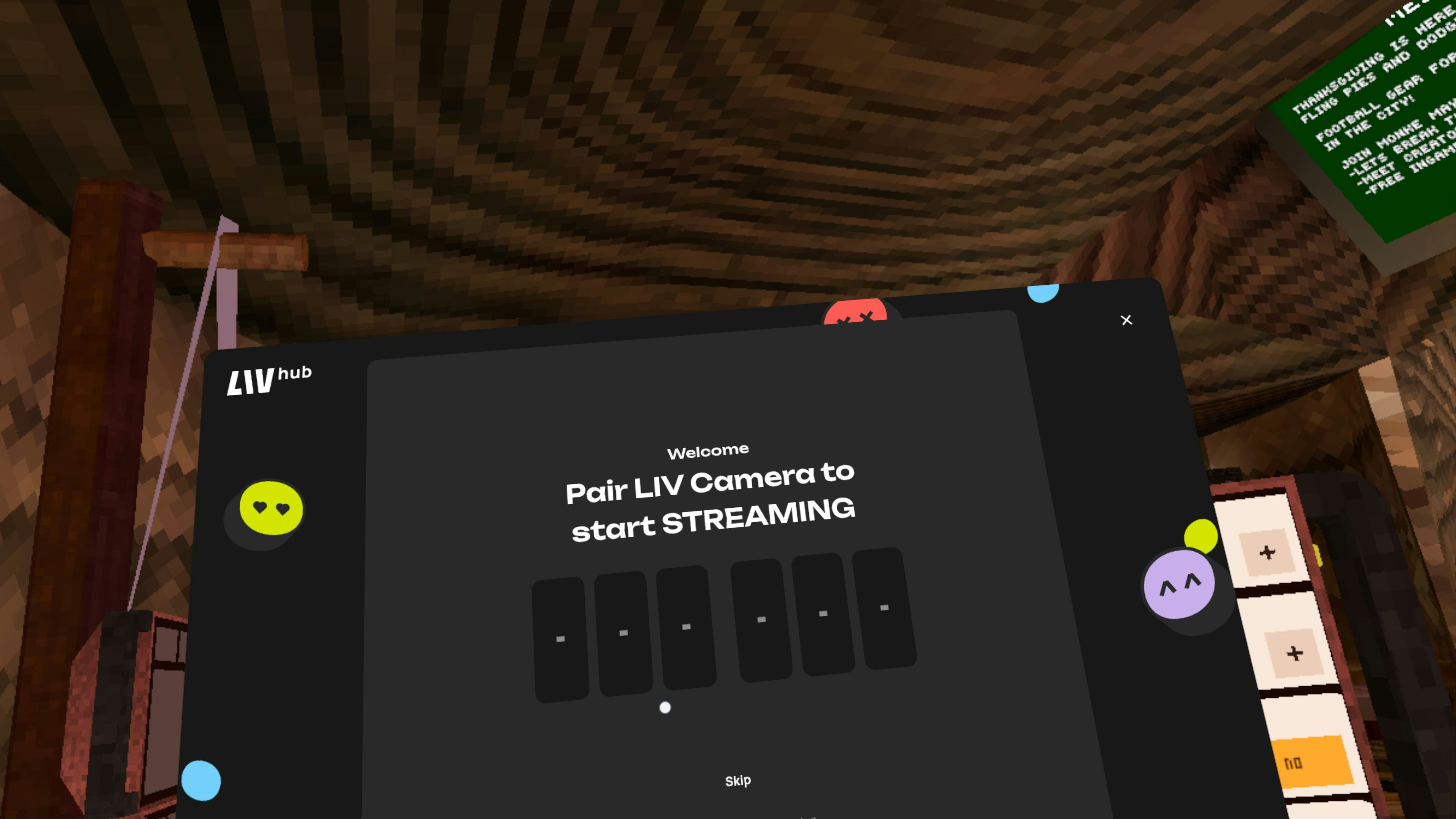
If you haven’t yet linked your camera to the LIV Hub yet, you’ll be presented a link code.You may need to close Gorilla Tag and Re-open it to see the link code again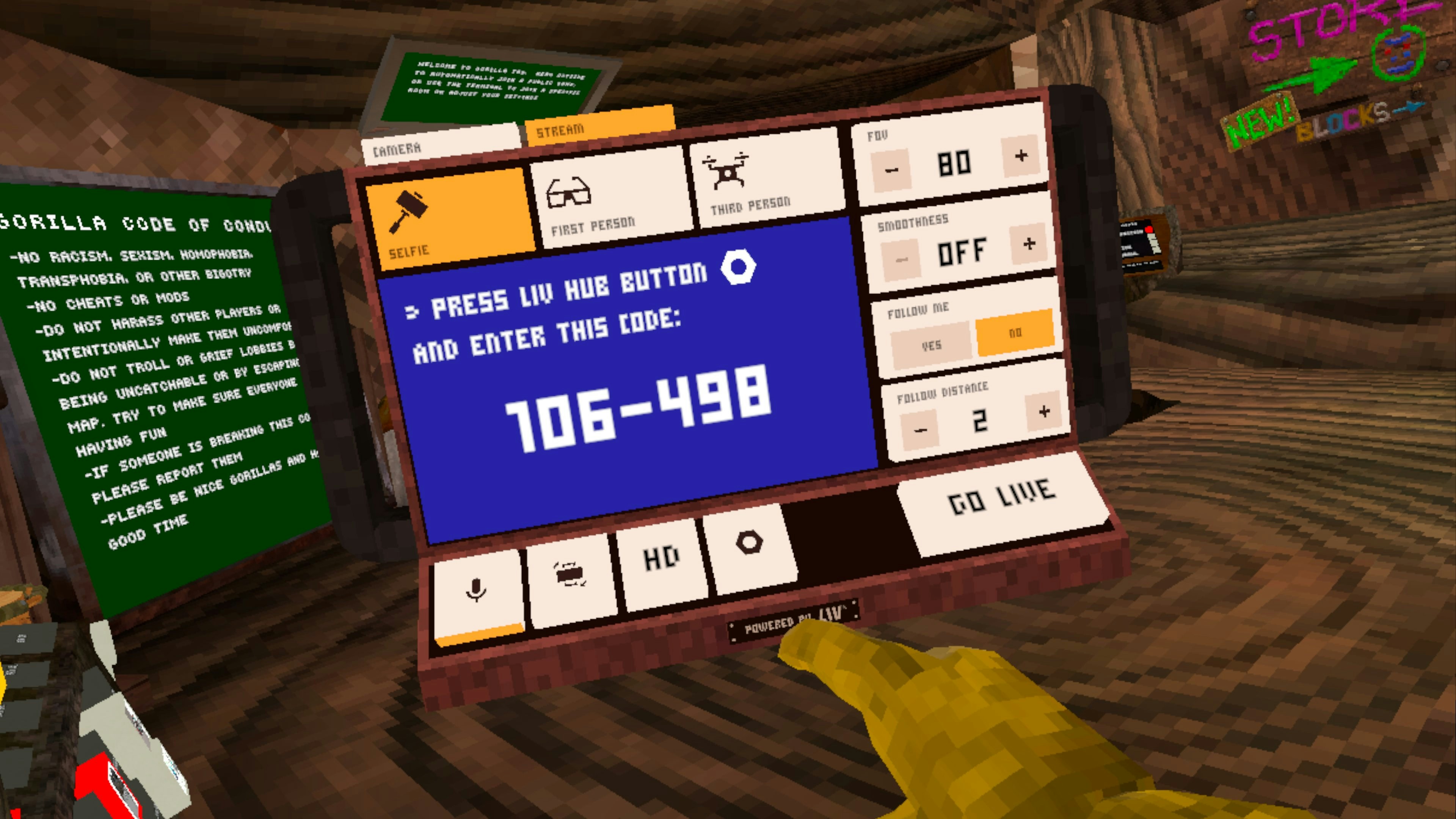
Link Your Streaming Account
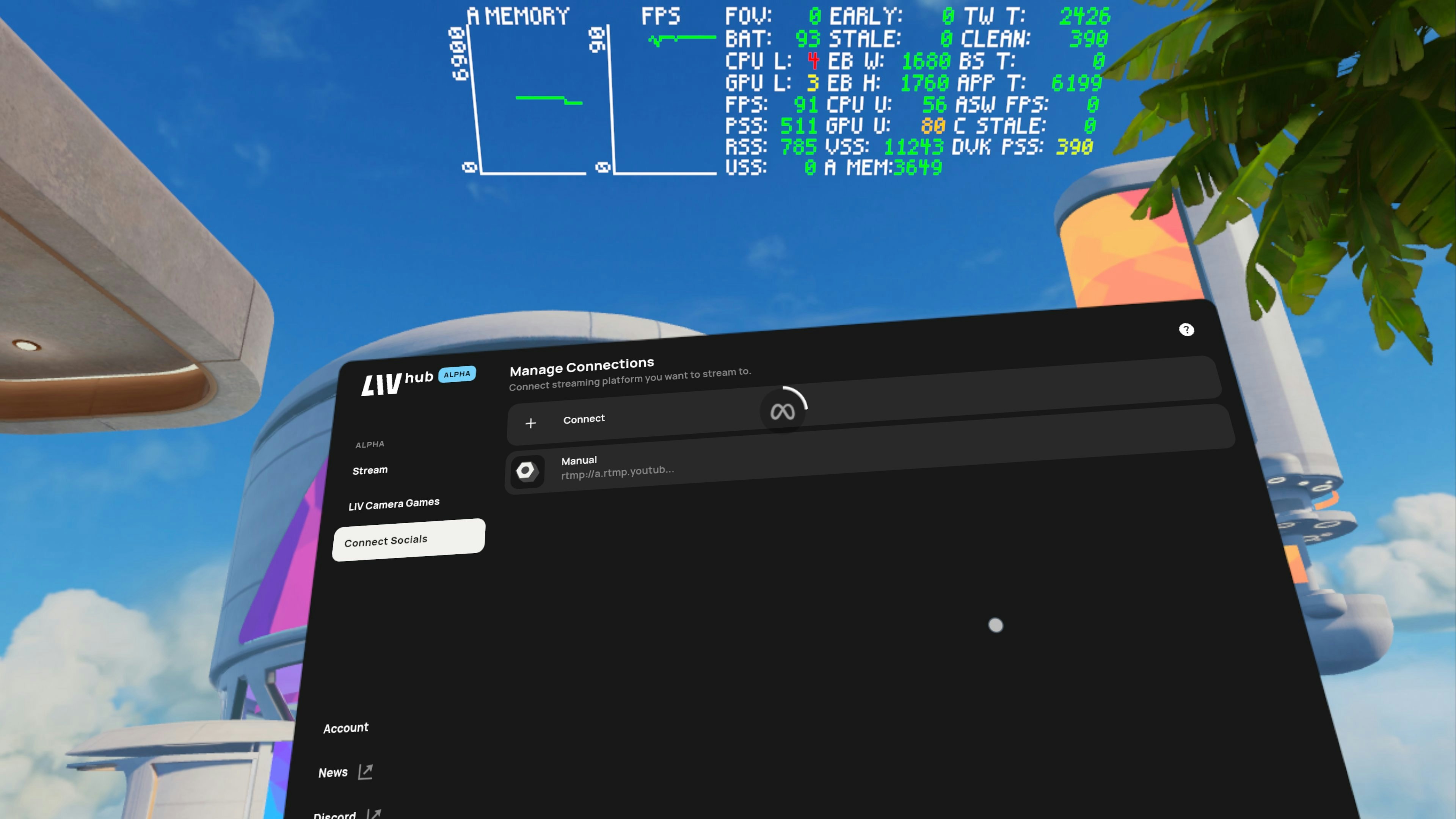
Select Connect Socials on the left side menuSelect YouTube, Twitch, or Manual. TikTok is supported through manual RTMP entry.Connect.