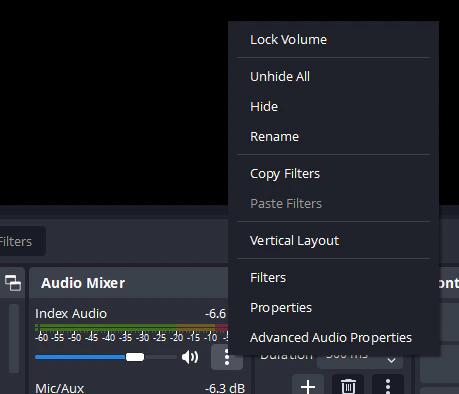
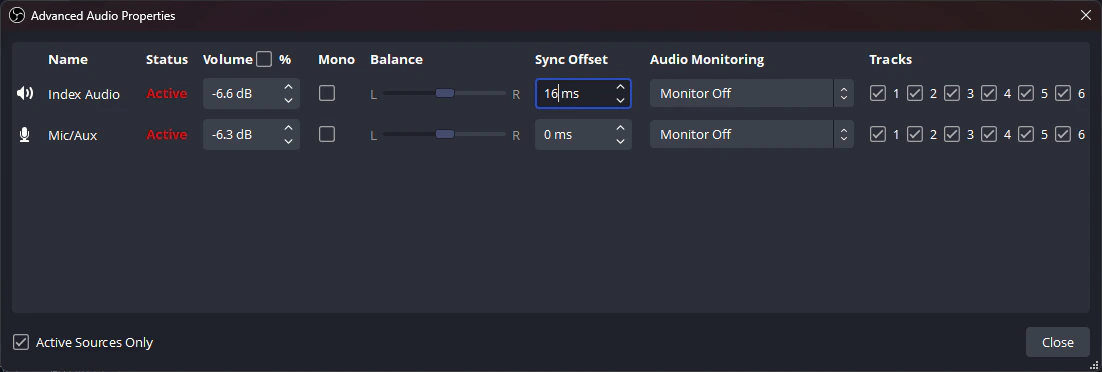
After doing calibration and getting your latency set, note the number your latency is set to so that you can carry that over to OBS. Open OBS Advanced Audio Properties, click the click the 3 dots to open the menu then select Advanced Audio Properties.Documentation Index
Fetch the complete documentation index at: https://liv-creators.mintlify.app/llms.txt
Use this file to discover all available pages before exploring further.