

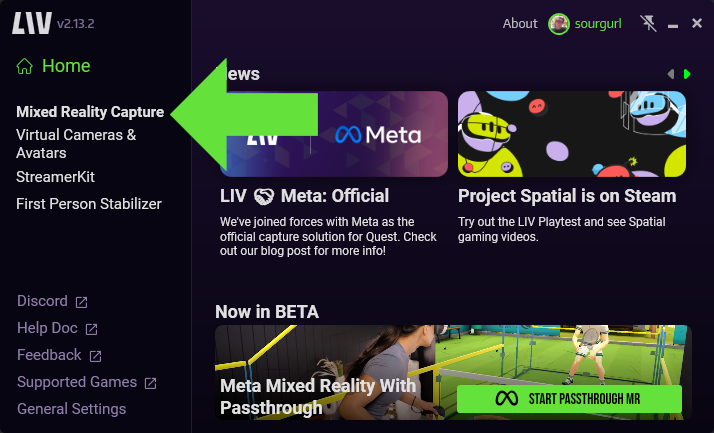
- Select Mixed Reality Capture
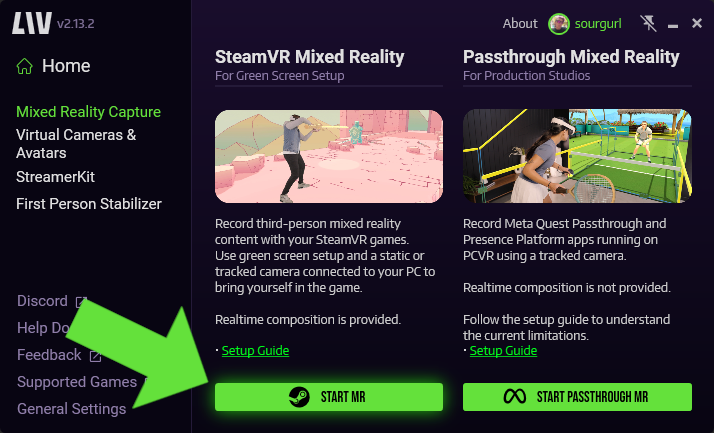
- Select Start MR
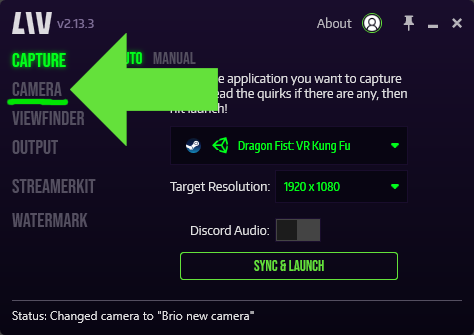
- Click on Camera in the left tab to open up the edit camera page.
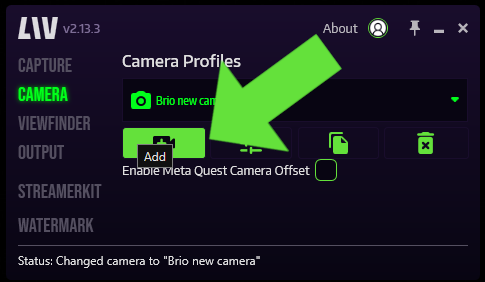
- Click on the Add Camera icon to create a new camera profile.
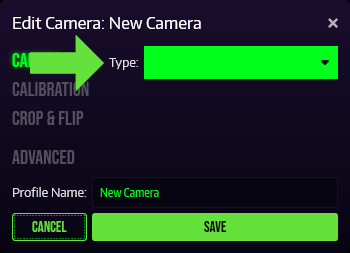
- In the **Type **drop down, select Video Camera, Kinect or iOS (NDI).
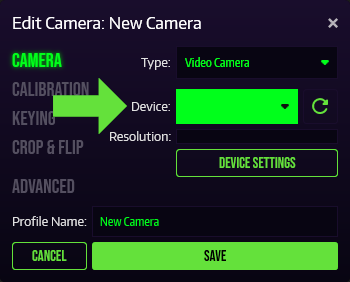
- In Device, select your Camera Device or Capture Card.
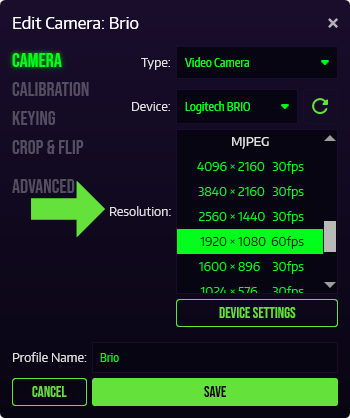
- In Resolution, select your desired resolution and frame rate.
- Name your profile and Save it.
Do not Enable Meta Quest Camera offset as this will break calibration and not function properly