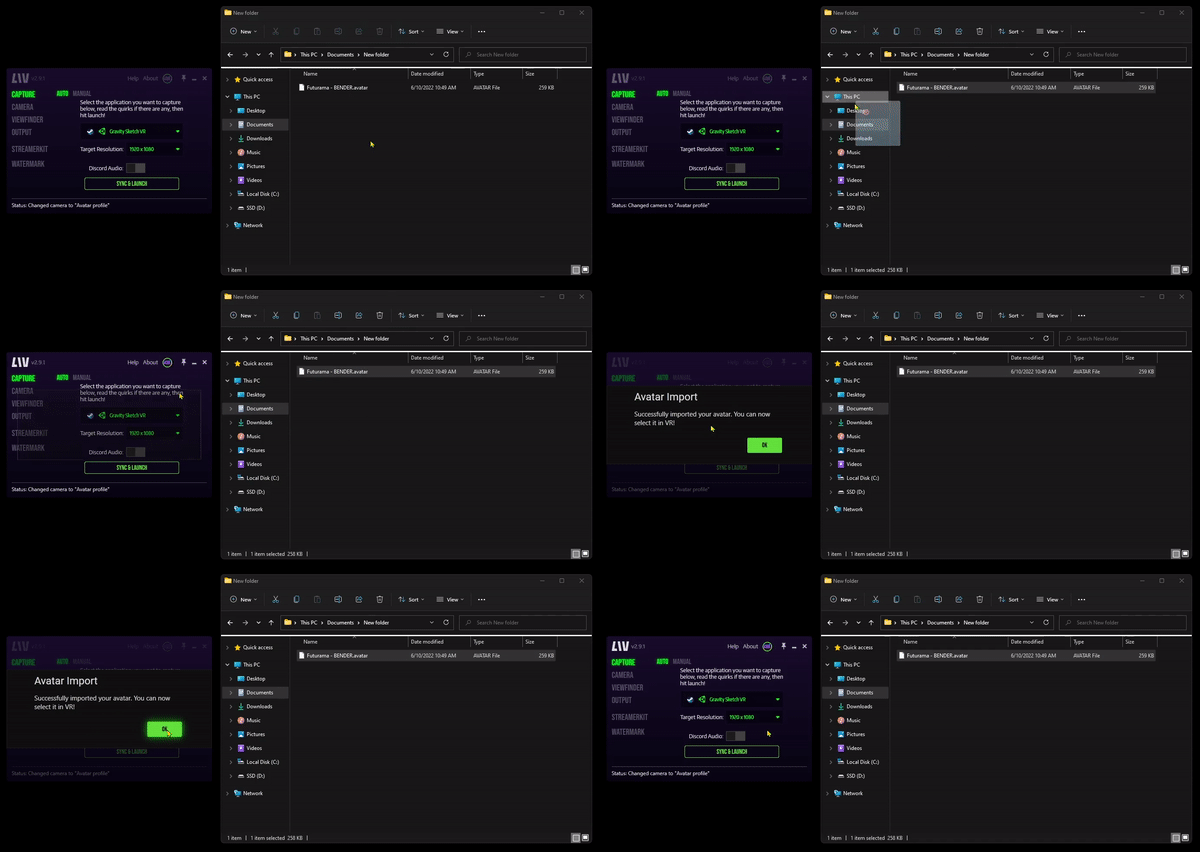
Here’s how to use your own avatars with LIV:Documentation Index
Fetch the complete documentation index at: https://liv-creators.mintlify.app/llms.txt
Use this file to discover all available pages before exploring further.
- Get yourself an avatar that you would like to use. LIV currently supports .avatar and .vrm file extensions. For the purpose of this guide, I went on ModelSaber and downloaded an avatar of Yukina Minato created by WillTheWAFSack.
- Import your avatar by dragging and dropping the avatar file onto the LIV App window.