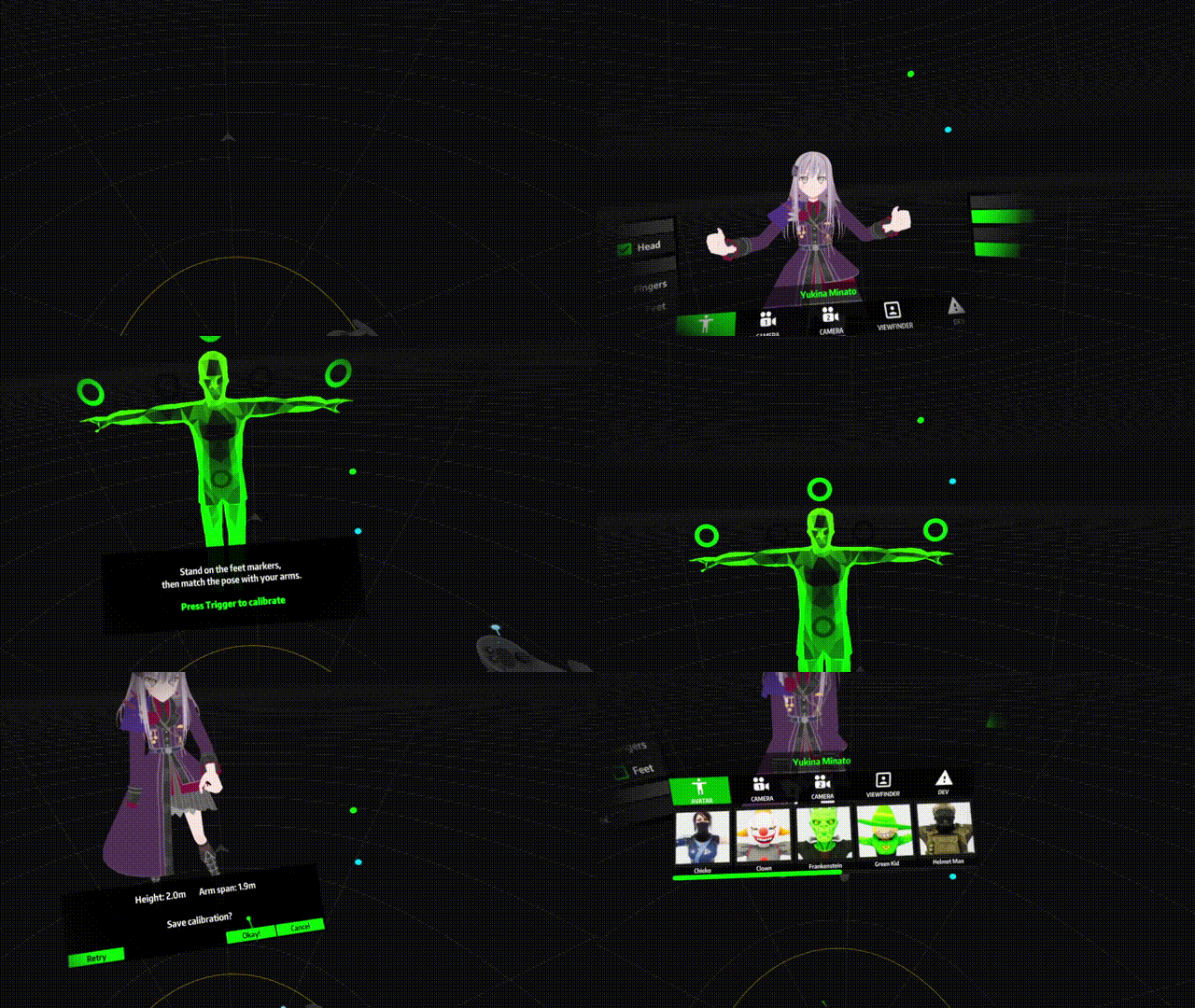
You can find all the avatars available to you in the LIV overlay’s Avatar tab, as well as a bunch of toggle options. Select your avatar. The next step is to calibrate your avatar.Documentation Index
Fetch the complete documentation index at: https://liv-creators.mintlify.app/llms.txt
Use this file to discover all available pages before exploring further.
- Click on Calibrate T-pose and follow the instructions.
- Click OK when prompted to save. If your calibration doesn’t turn out well with the T-pose, click on Edit calibration and try out manual calibration.