

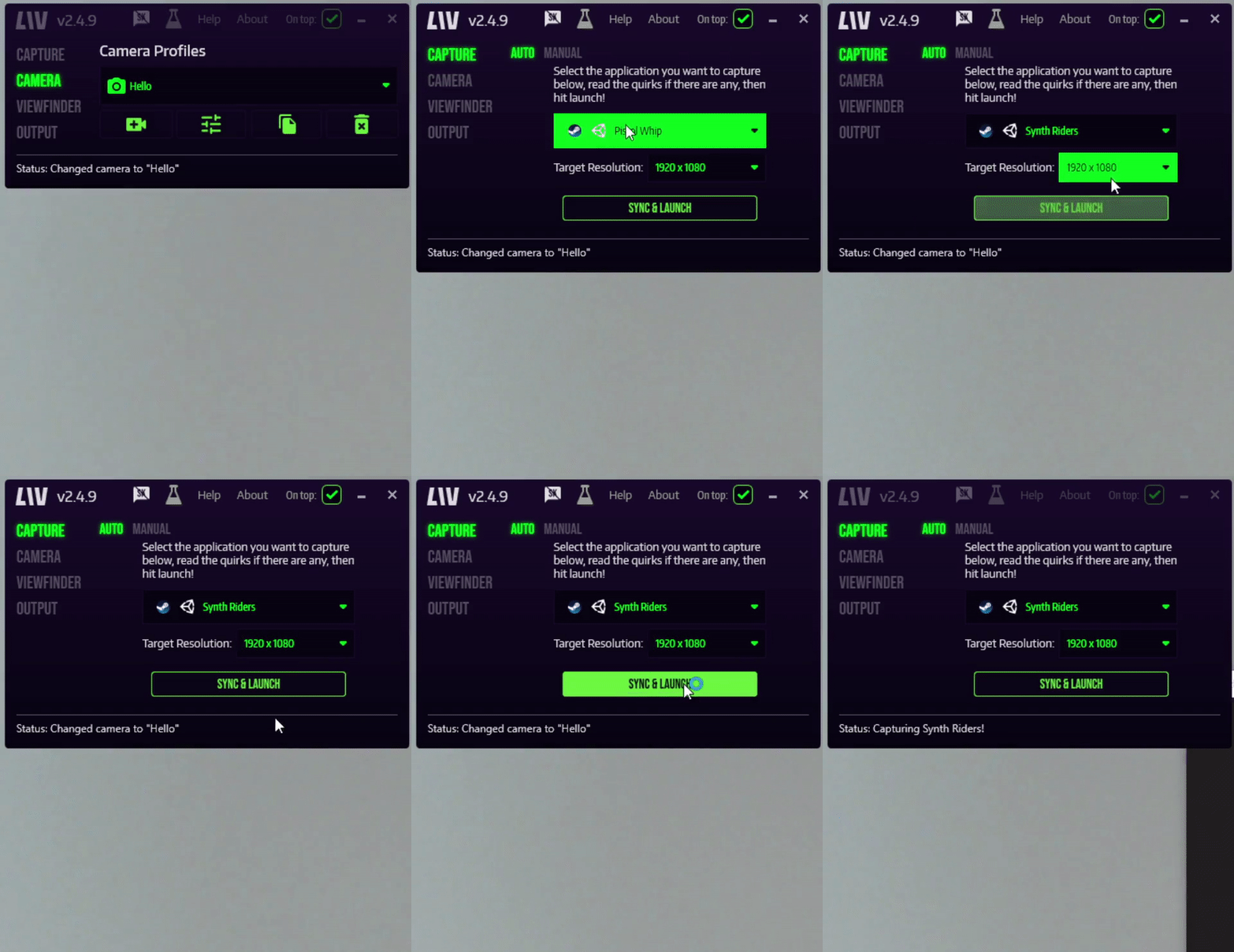
- Click on Capture in the left tab to open up the capture page.
- In the game drop-down, select your LIV-eligible game.
- In Target Resolution, select the resolution at which you want to LIV to render mixed reality.
- Click on Sync & Launch to sync the game to our compositor and launch it!
- Your mixed reality feed will show up in the LIV Output window**.** This is the window that you want to be capturing with your broadcasting/recording software.
""-vrmode openvr"" to the game’s launch options on Steam, as shown in the video below. LIV Supported games are games that have the LIV SDK integrated and are fully supported. If you find that a game that should be supported is broken, please let us know on Discord!